31 / Documents
Document Splits
Mark where one scanned batch becomes several documents. Splits are toggled between pages and the segments update as you go.
2 documents
Document 1 · 2 pages
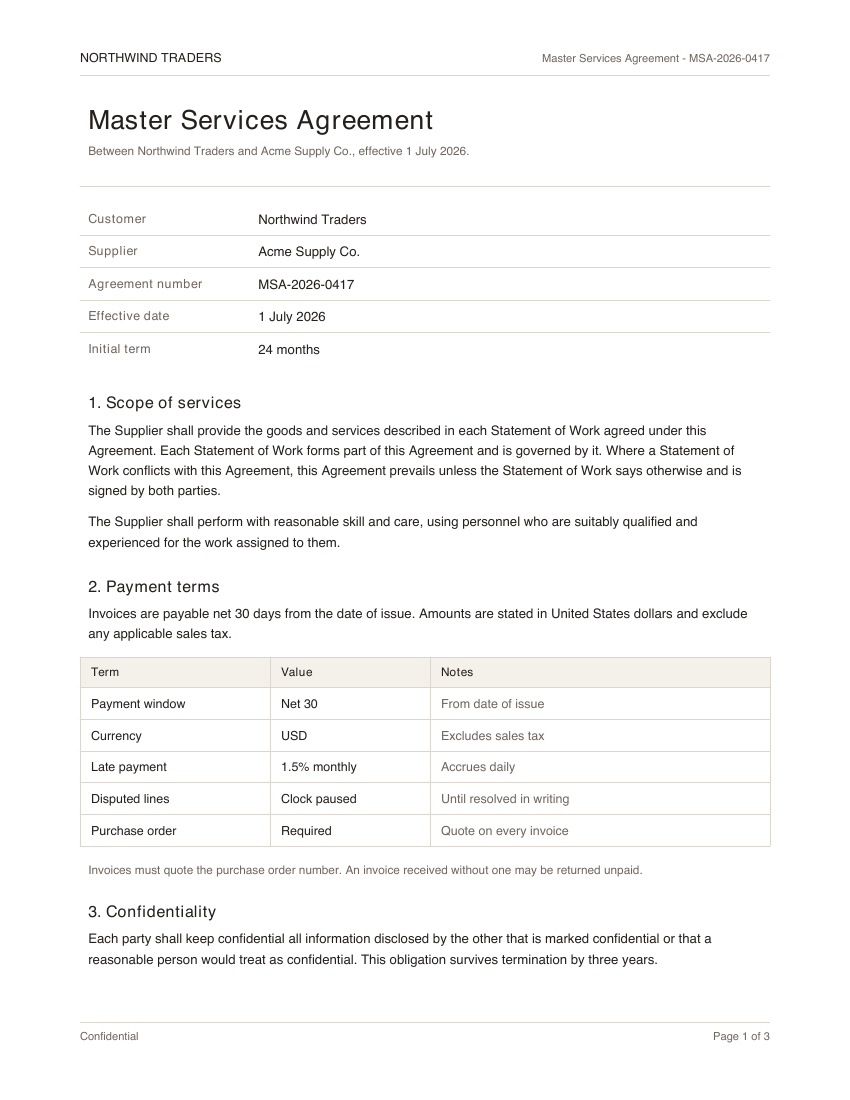 1
1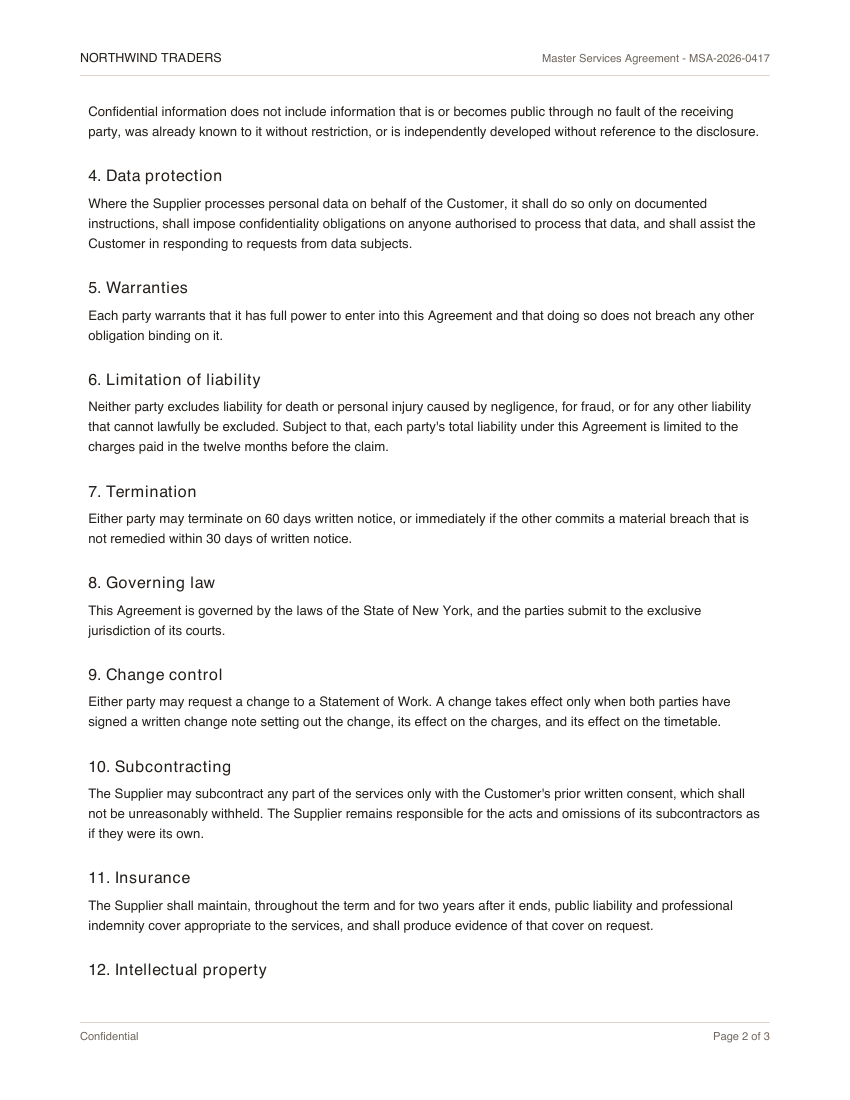 2
2Document 2 · 1 page
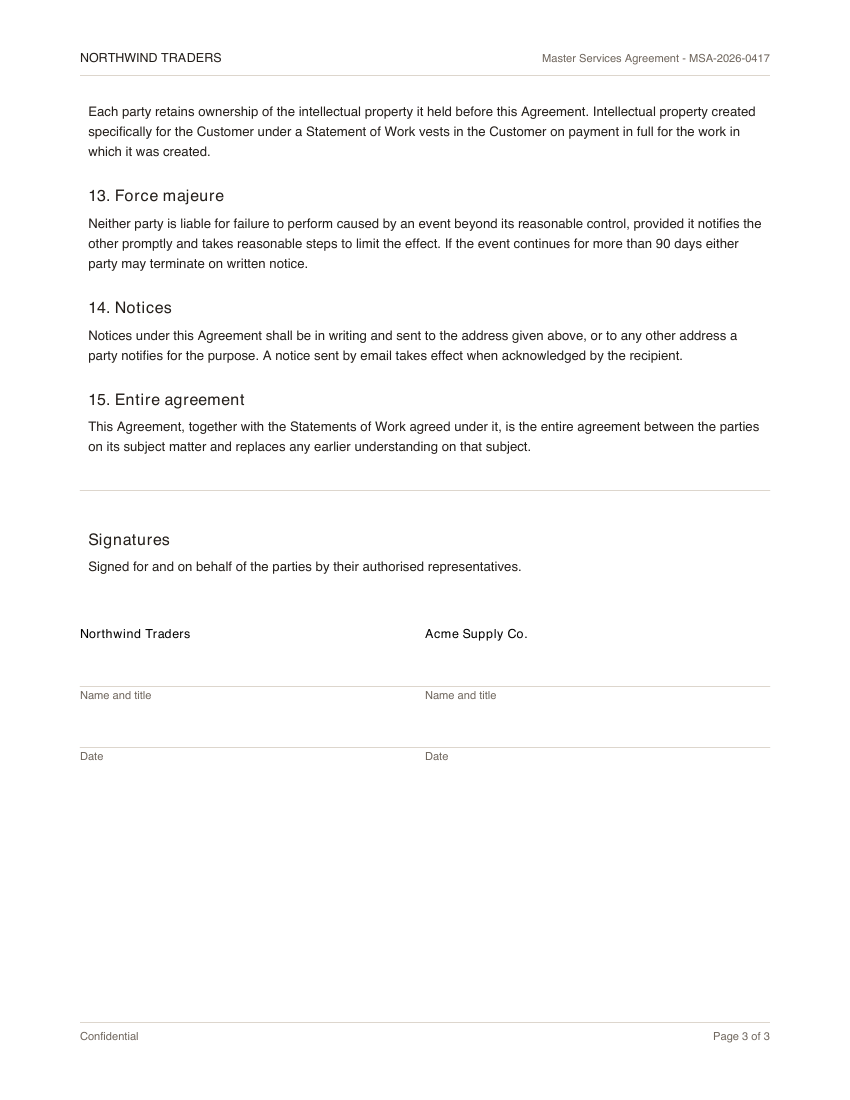 3
3"use client"
import { samplePages } from "@/components/demos/document-fixtures"
import { DocumentSplits } from "mischief-ui/document-splits"
export function DocumentSplitsDemo() {
return (
<DocumentSplits
className="w-full max-w-xl"
pages={samplePages}
defaultSplitAfter={[2]}
/>
)
}Installation
Copy the source into your project, or keep it behind a package.
npx shadcn@latest add Tinkerers-Labs/mischief-ui/document-splitsimport { DocumentSplits } from "mischief-ui/document-splits"Or paste it in yourself. The source imports the shared cn helper from @/lib/utils, so point that at your own copy.
"use client" import * as React from "react"import { FileText, Scissors, Undo2 } from "lucide-react"import { cn } from "@/lib/utils" export type SplitPage = { number: number src?: string label?: string} export type DocumentSegment = { index: numberUsage
export function Batch({ pages }: { pages: SplitPage[] }) {
  return <DocumentSplits pages={pages} onSplitChange={saveSplits} />
}
How a split is stored
The state is not a list of documents. It is splitAfter: the page numbers that a break falls after. Everything else -- the segments, their order, how many there are -- is derived from that, which is why dragging a break never has to renumber anything.
// Twelve pages, broken into 1-3, 4-9, and 10-12.
<DocumentSplits pages={pages} defaultSplitAfter={[3, 9]} />
A break after the final page is ignored, since it would produce an empty segment. Duplicates and unsorted values are fine; the list is sorted before use.
Turning it into files
What a server needs is ranges, and they fall straight out of the same array. Do the conversion where the split is submitted rather than storing both, so there is only ever one description of where the breaks are.
function toRanges(pages, splitAfter) {
  const bounds = [...new Set(splitAfter)].sort((a, b) => a - b)
  const last = pages.at(-1).number
  const starts = [pages[0].number, ...bounds.map((page) => page + 1)]

  return starts
    .filter((start) => start <= last)
    .map((start, index) => ({ start, end: bounds[index] ?? last }))
}API
pagesSplitPage[]Page number, optional thumbnail src, and optional label.splitAfter, defaultSplitAfternumber[]Page numbers a split follows, controlled or uncontrolled.onSplitChange(splitAfter: number[]) => voidRuns with the sorted boundaries whenever they change.segmentLabel(segment: DocumentSegment) => ReactNodeReplaces the default heading above each document.renderImage(props) => ReactNodeUses a framework image component for thumbnails.SplitPage
numbernumberThe page number. What splitAfter refers to.srcstringThumbnail. Omit for a numbered placeholder.labelstringExtra description for the page.DocumentSegment
indexnumberPosition of the segment, from zero.pagesSplitPage[]The pages it contains, in order.Accessibility
Each split control is a toggle button naming the page it follows, so the action is clear without seeing the layout. No control is offered after the final page, since a split there would mean nothing. Segment headings state the document number and page count as text.